V2.0.0.0 Xhorse VVDI MLB Tool Software Download and Installation
- VVDI MLB Tool New!!! Update MQB48 NEC35XX immo data collection function (require MQB48 adapter)
- Add key for MLB models
- No Need to Remove the Chip
- Wireless Key Generation for Ultimate Convenience
- Immo Detection Made Easy
- Compatilility with Original Keys and Xhorse Specialized Keys
- Rewrite Uninitialized Key IDs
- No Need for On-Vehicle Data Collection
- Works with VVDI2 and VVDI Key Tool Plus (VVDI2 requires VV-05 MQB and VV-02 VAG IMMO5 license activated)
- No points required when using VVDI MLB specialized key
- Software Update online, current version V2.0.0.0
- Operating system: Win10, Win11
Xhorse VVDI MLB Tool Update Log :
V2.0.0.0 NEW
2025.01.07
Release MQB48 NEC35XX immo data collection function (requires MQB adapter)
How to use, download and install Xhorse VVDI MLB Tool Software
Next, open VVDI-MLB_2.0.0.0.exe to install until the process is complete.
(It’s very easy and fast to install)
Then, disable anti-virus software before running the VVDI-MLB Tool software. Otherwise, the software cannot be opened normally.
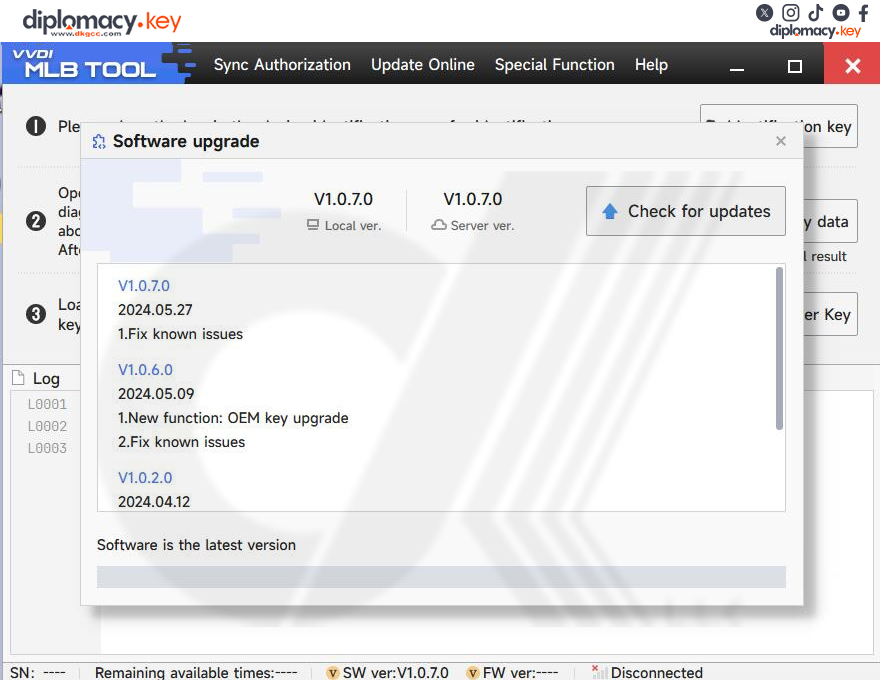
As the latest software is V1.0.7.0, you will receive the update prompt when opening the software, just update it online directly.
VVDI MLB Tool Software Instruction:
There are four options on the toolbar: Sync Authorization, Update Online, Special Function, and Help.
All options require you to connect the Xhorse MLB Tool and the computer, except for software upgrade, language change, and diagnostic report creation.
1. Sync Authorization
Need to connect Xhorse MLB Tool and the computer
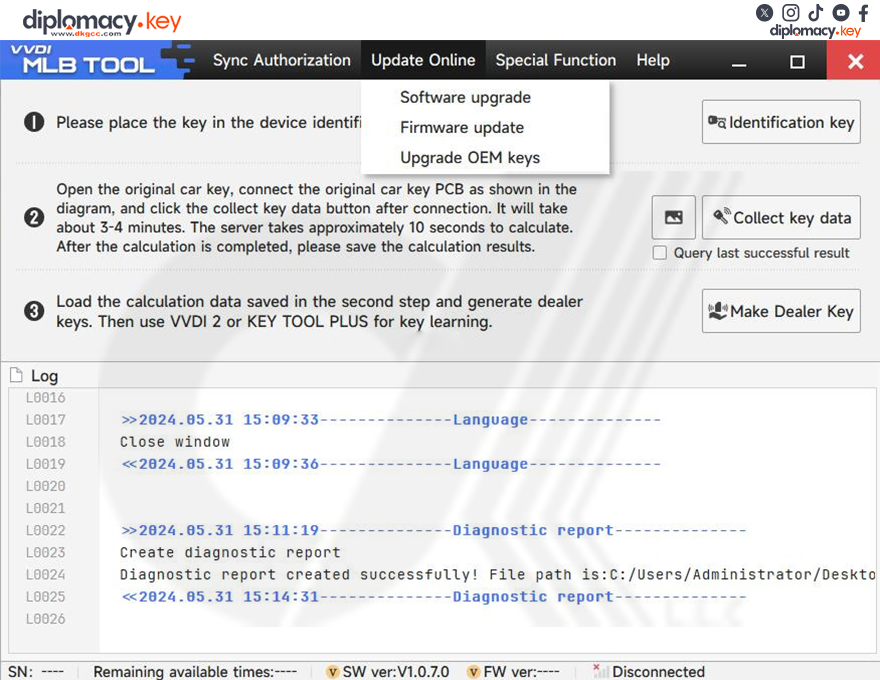
2. Update Online
Software upgrade: click it and check for updates
Firmware update
Upgrade OEM keys
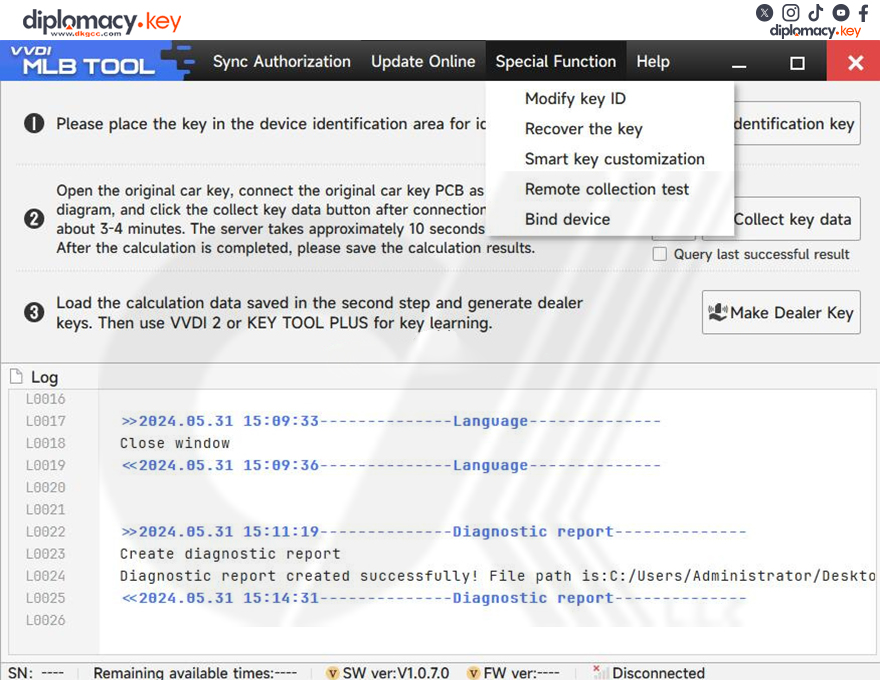
3. Special Function
Modify key ID
Recover the key
Smart key customization
Remote collection test
Bind device
Users must combine the device with the Xhorse app. Otherwise may fail to calculate immo data online.
After selecting the Bind device, scan the QR code and bind the MLB Tool with the Xhorse App via mobile phone.
4. Help
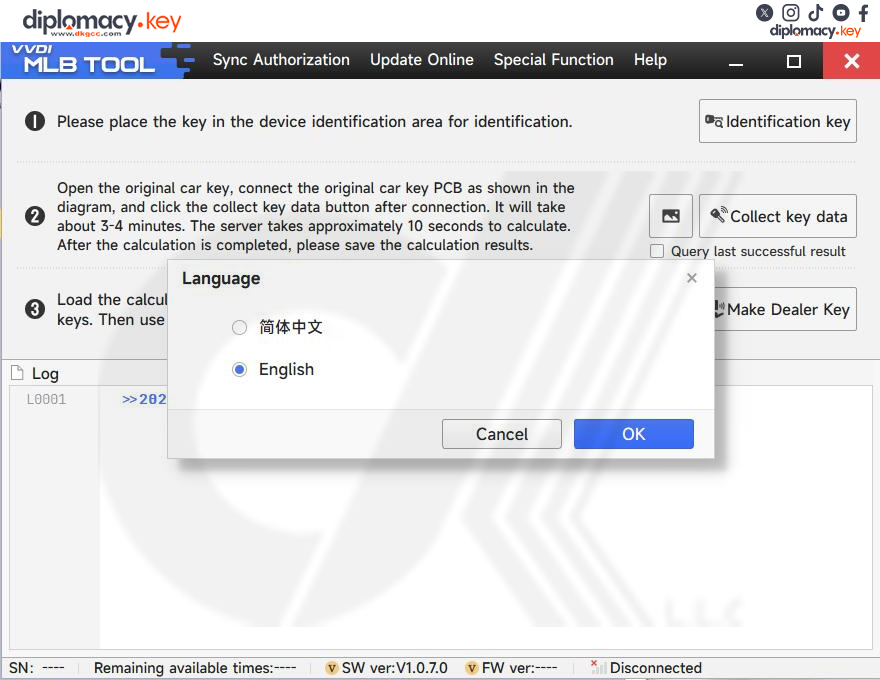
Language: you can switch the language to English or Chinese. Simply
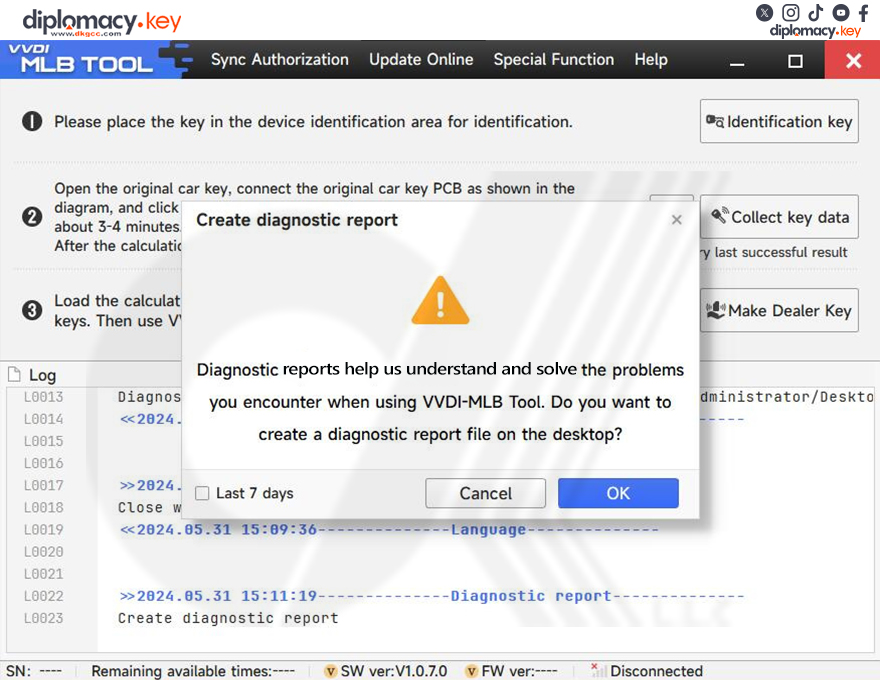
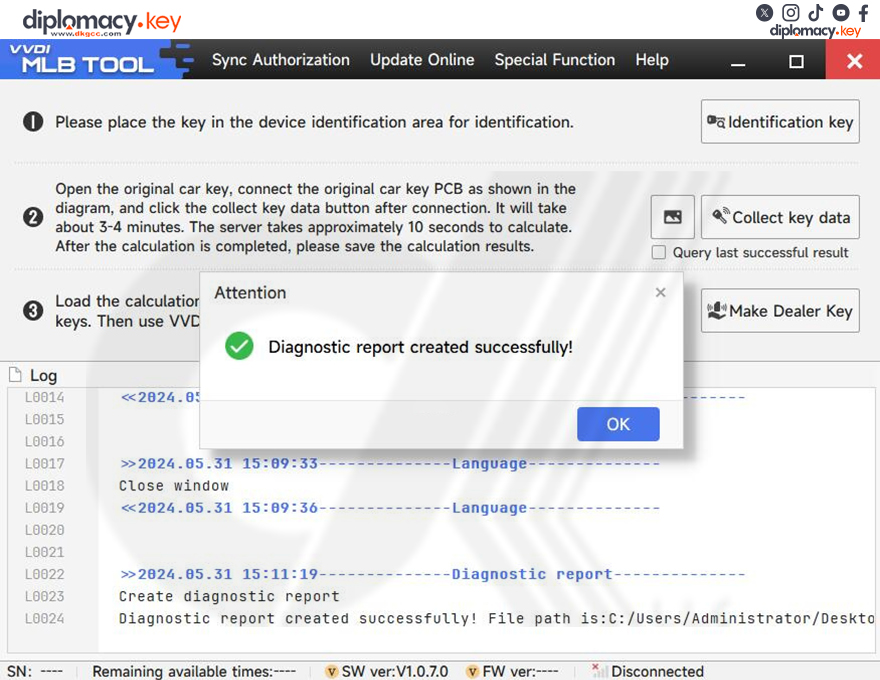
Create a diagnostic report:
Diagnostic reports help you understand and solve the problems you encounter when using the VVDI-MLB Tool. You can click “OK” to create a diagnostic report on the desktop.